Monzo has no branches, so every statement comes from the app, and you make it yourself in under a minute. The steps below are taken from Monzo's own help pages, read on 25 October 2026, with a link to each page so you can check for changes. If a screen looks different, the help page will be more current than this guide.
In the Monzo app
- Tap Home in the app's menu bar.
- Tap the three dots underneath your card.
- Tap Bank statements.
- Choose the date range you would like.
- Choose the format you would like: PDF, CSV or QIF.
These are the steps on Monzo's Getting a bank statement page, which says the download covers all your statements, including Pots. There is no fixed monthly statement to hunt for: you pick the start and end dates yourself, so one file can cover a week or a whole year. The same route appears on Monzo's Exporting your transactions page. Both pages describe the app only, and neither says how far back the range can reach.
Which format to choose
- PDF is the statement as Monzo formats it, with your name, account details and every transaction over the dates you chose. Choose it when someone else needs to see the statement.
- CSV is a plain table, one row per transaction, that opens in any spreadsheet or tracker. Choose it when you want to sort, filter and add up the numbers yourself.
- QIF is a format for accounting software such as Quicken. If you are not using accounting software, you can ignore it.
If you are unsure which file you need, our guide to downloading a bank statement explains the difference between a PDF and a CSV in more detail.
Business accounts
A Monzo Business statement sits behind a different button. Monzo's Getting a business bank statement page gives two routes:
- In the app: tap Home, tap Manage next to your transaction feed, tap Bank statements, choose your dates and pick PDF, CSV or QIF. Pots are included here too.
- On the web: log in at business.monzo.com and use the Export statement button on the home screen.
So the web download exists for business accounts only. The page also says business statements are original documents.
If your account is closed
Monzo's page on closed accounts says that when Monzo closes your account it emails you a statement with your full transaction history. The file is password protected, and the password arrives separately by text message or email.
If the account closed a while ago and you need a statement now, the same page points to a request form, for UK accounts only. You give your name, the email address and phone number you used on the account, the dates to cover and your account number, plus a selfie holding your ID. Monzo says it aims to reply within 2 working days and may take up to 7.
Check the file before you use it
- Open it and make sure it covers the dates you chose. A custom range makes it easy to miss a day at either end.
- Check the account. If you have a personal account, a joint account and a business account, each has its own statements. Make sure you were in the right one when you tapped the three dots.
- Check the balance. The opening balance should match the closing balance of the statement before it. Our guide to reading a bank statement explains each part.
- Keep it private. A statement shows your account number, sort code and where you spend. Store it somewhere safe and delete copies you no longer need.
What to do with it next
If the statement is for an application, send the PDF as Monzo made it. Editing it, even to hide a line, can make it look tampered with.
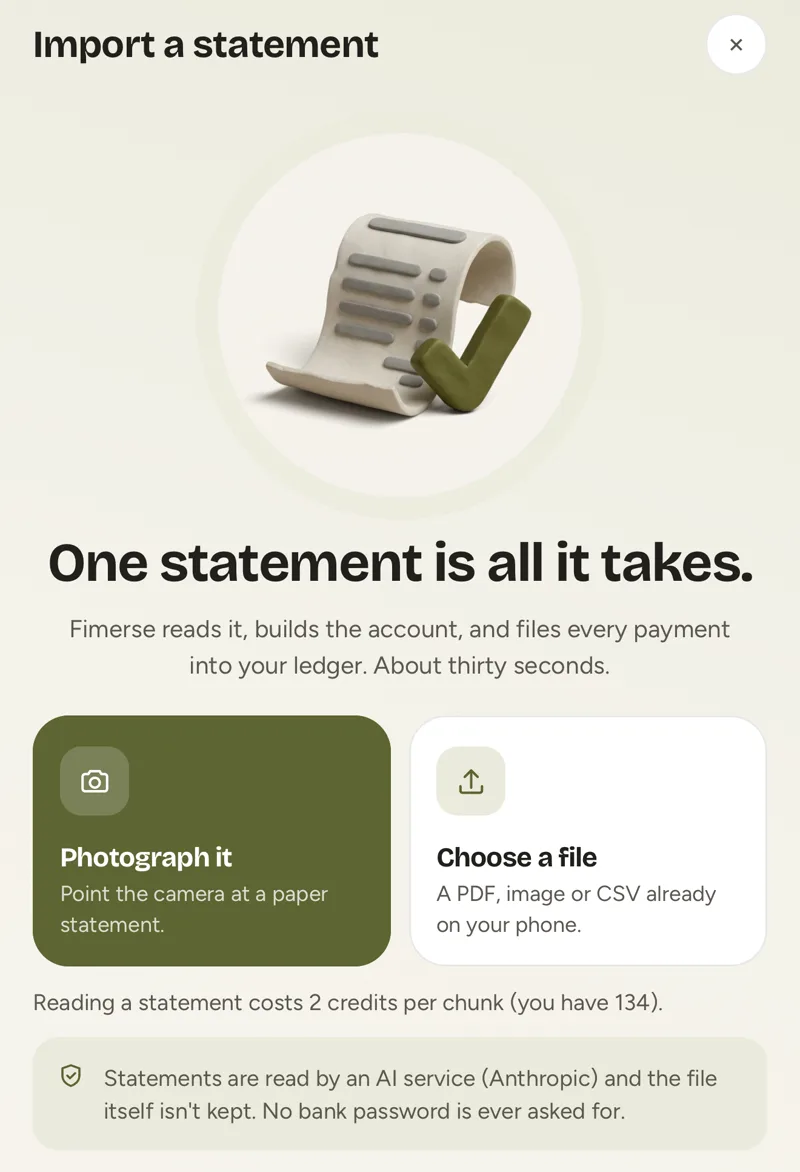
If it is for you, the point is to see where your money went. A CSV sorts in any spreadsheet. Or hand the file to a tracker: on Fimerse Plus you upload a statement as a PDF, photo, CSV or text, every transaction is read and sorted into categories, anything uncertain waits for you to decide, and the file is deleted once it has been read. Possible duplicates are flagged for you to keep or remove. If you would rather not use Plus, typing payments in by hand is free.
Questions people ask
Can I download a Monzo statement on a computer?
For a personal account, Monzo's help pages describe the app only. For a business account, Monzo says you can log in at business.monzo.com and use the Export statement button. Once a file is on your phone, the share or save option can send it to a computer.
Are Pots included in the statement?
Yes. Monzo's help page says the download includes all your statements, including Pots, for both personal and business accounts.
How far back can I go?
Monzo's help pages do not say. You choose the date range yourself, so try the dates you need. If the app will not give you an old enough period, ask Monzo support.
Does Monzo accept the statement as proof of address?
Monzo's help page says its statements are original documents and should not need stamping or signing for a mortgage or visa application. It does not list which organisations accept them, so if in doubt, ask whoever needs it what they will accept.