
Chase keeps every statement behind one menu, on the website and in the app, and you can download them yourself in a minute. The steps below are taken from Chase's own help pages, read on 23 October 2026, with a link to each page so you can check for changes. If a screen looks different, the help page will be more current than this guide.
On chase.com
- Sign in at chase.com.
- Click the Main Menu icon in the top left corner of your dashboard and choose Statements & documents.
- Pick the year and the account.
- Click the Open or Save icon to the right of the statement you want. Open shows it in your browser, Save keeps a copy on your computer.
These are the steps on Chase's paperless statements page, which also says that, depending on the type of account, up to 7 years of statements are available. Tax forms sit on the same page under Tax documents, so if you need a 1099 or a 1098 you are already in the right place.
In the Chase Mobile app
- Sign in and tap the Profile & Settings icon in the top right corner.
- Under Document manager, choose Statements & documents.
- Tap Statements, choose your account, then the year, then the statement. It opens as a PDF.
From there, your phone's share or save option keeps a copy wherever you like. The same help page covers both the website and the app, so it is the one to check first if a menu has moved.
Getting a CSV instead of a PDF
The statements above are PDFs, which is the format landlords, lenders and visa offices usually ask for. If you want the transactions in a spreadsheet, Chase offers a separate download. On Chase's Spending Planner page, the Spending Summary tab has options near the bottom to download your spending data for this year and the previous one:
- On a computer: a spreadsheet file (CSV), Quicken files (QFX and QIF) or a QuickBooks file (QBO), covering the last two years.
- In the app: PDF files of your transactions for the last calendar year.
So a CSV needs a computer, and it reaches back two years, while the monthly PDF statements go back up to seven. If you see a download icon above the activity list on an account page, it leads to the same kind of export. Chase's help pages do not describe that button, so this guide sticks to the documented route.
Check the file before you use it
- Open it and make sure it is not empty and covers the month you meant.
- Check the account. If you have a checking account, a savings account and a card with Chase, each has its own statements. Make sure you picked the right one.
- Check the ends. The opening balance on this statement should match the closing balance on the previous one. Our guide to reading a bank statement walks through each part.
- Keep it private. A statement shows your account number and where you spend. Store it somewhere safe and delete copies you no longer need.
What to do with it next
If the statement is for an application, send the PDF as Chase made it. Editing it, even to hide a line, can make it look tampered with.
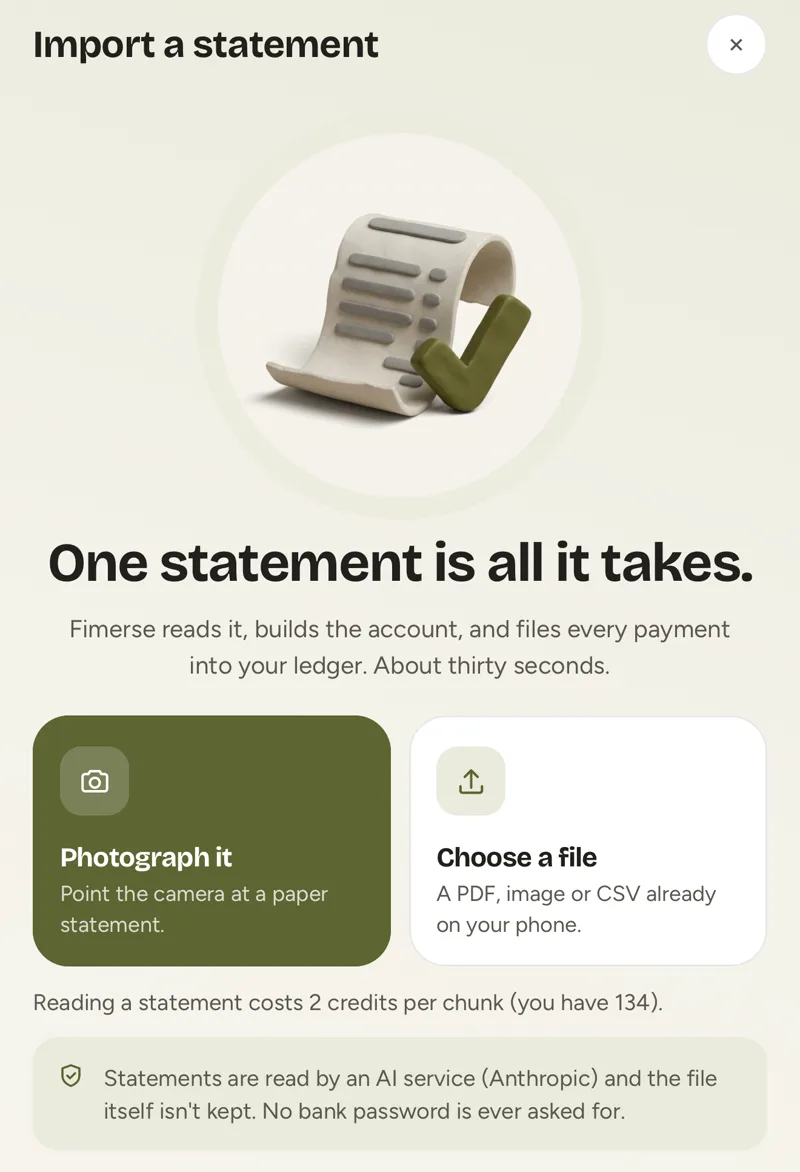
If it is for you, the point is to see where your money went. A CSV sorts in any spreadsheet. Or hand the file to a tracker: on Fimerse Plus you upload a statement as a PDF, photo, CSV or text, every transaction is read and sorted into categories, anything uncertain waits for you to decide, and the file is deleted once it has been read. Possible duplicates are flagged for you to keep or remove. If you would rather not use Plus, typing payments in by hand is free.
Questions people ask
How far back can I download Chase statements?
Chase's paperless statements page says up to 7 years, depending on the type of account. The CSV and Quicken downloads cover the last two years on a computer, and the app's transaction PDFs cover the last calendar year.
Can I get a statement older than seven years?
Chase's help pages do not say. If you need one for a legal or tax matter, ask Chase directly, and ask a professional what records the matter actually requires.
Why can I not get a CSV in the app?
Chase's Spending Planner page says the app's downloads are PDF files. For a CSV, QFX, QIF or QBO file, sign in on a computer.
Is a downloaded Chase statement official?
Chase's paperless statements page says you can see, download or save your statements online, but it does not say which organisations accept them. Some still want a posted copy, so if in doubt, ask whoever needs it what they will accept.