Features · Getting money in

Three ways to get your money in.

Connect a bank, bring in a statement, or type it in, and mix them however suits each account. Whichever way a payment arrives, Fimerse files it under a category.

Connect your bank

Payments that arrive by themselves.

On Plus, connect a bank in the US or Canada and new payments come in without you doing anything.

  • Read-only: Fimerse can see payments, never move money
  • You sign in on your bank's own page, so Fimerse never sees your bank password
  • Disconnect any time from Settings
Bring in a statement

Any bank, any country, any format.

Photograph a paper statement or choose a PDF, image or CSV. Fimerse reads every line, then deletes the file.

  • Works with banks a connection cannot reach
  • A year of history in one sitting
  • Anything unclear waits for your answer
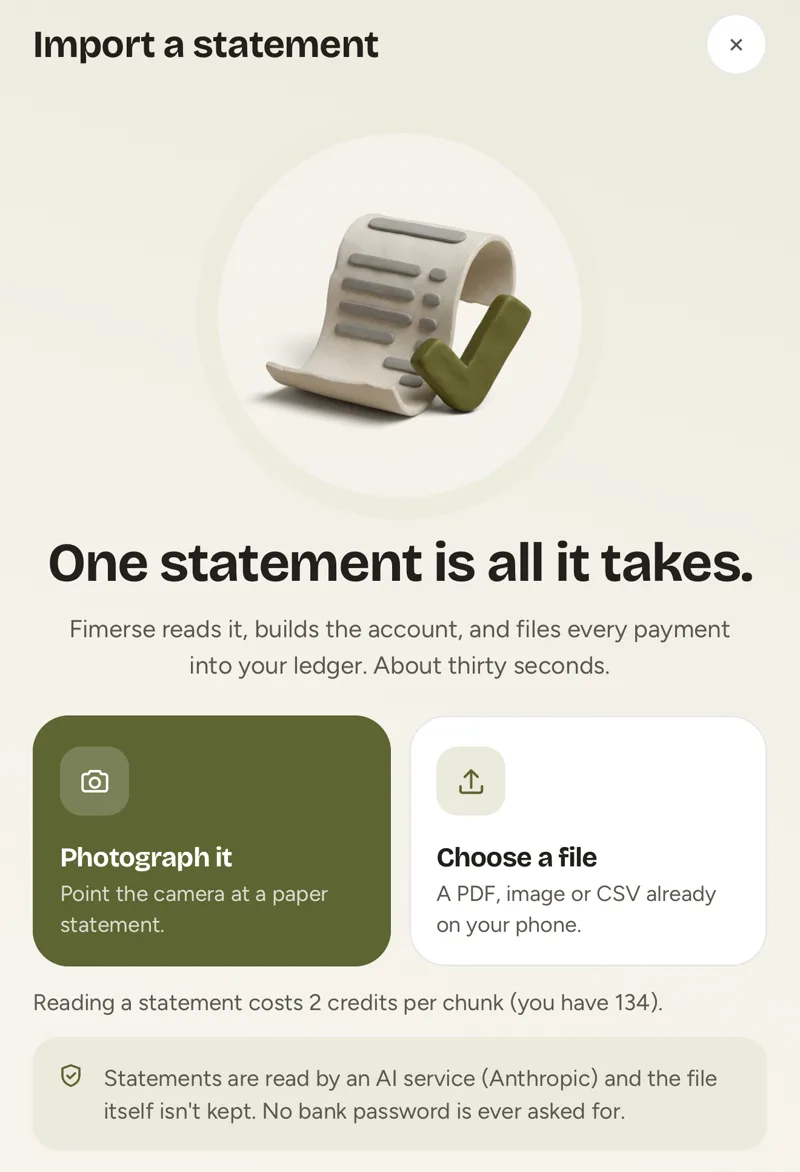
The Fimerse Import a statement screen with options to photograph a statement or choose a file
Shown with sample data
Add it by hand

Cash, a wallet, a savings jar.

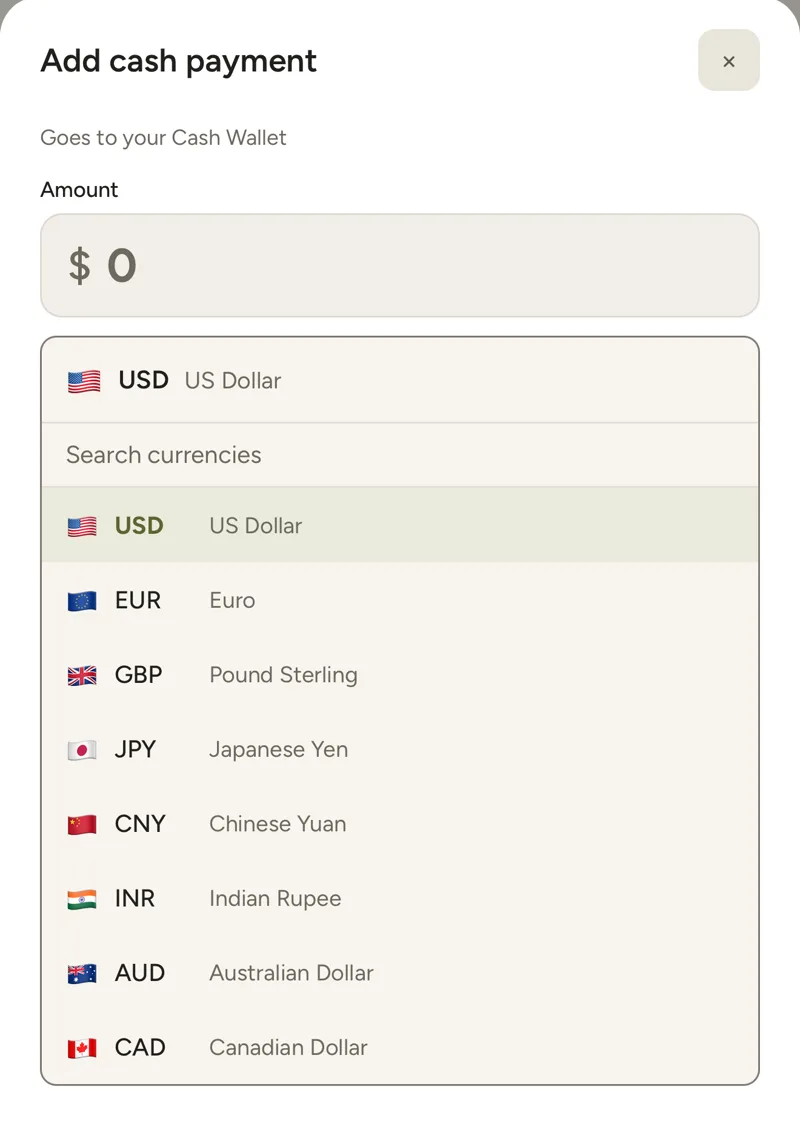
Type a payment in a few seconds, in any currency. This part of Fimerse is free, with no limit.

  • A cash wallet is there from the start
  • Pick the currency for each payment
  • Free on every plan, forever
The Add cash payment screen in Fimerse with an amount box and a list of currencies
Shown with sample data
Questions

Straight answers.

Do I have to connect my bank?
No. A statement or typing it in works for every bank in every country. Connecting a bank is optional, on Plus, for banks in the US and Canada.
What happens to my statement file?
Fimerse reads it once and then deletes it. The transactions stay in your account; the file does not.
Which of these are free?
Typing payments in is free forever. Connecting a bank and reading statements are part of Plus, $8.99 a month or $79 a year.

More features: Tracking, Budgets and goals, Currencies.

Start free, no card. Never your bank password.

A free plan that stays free, and Plus at $8.99 a month or $79 a year. Web, Android and iPhone.